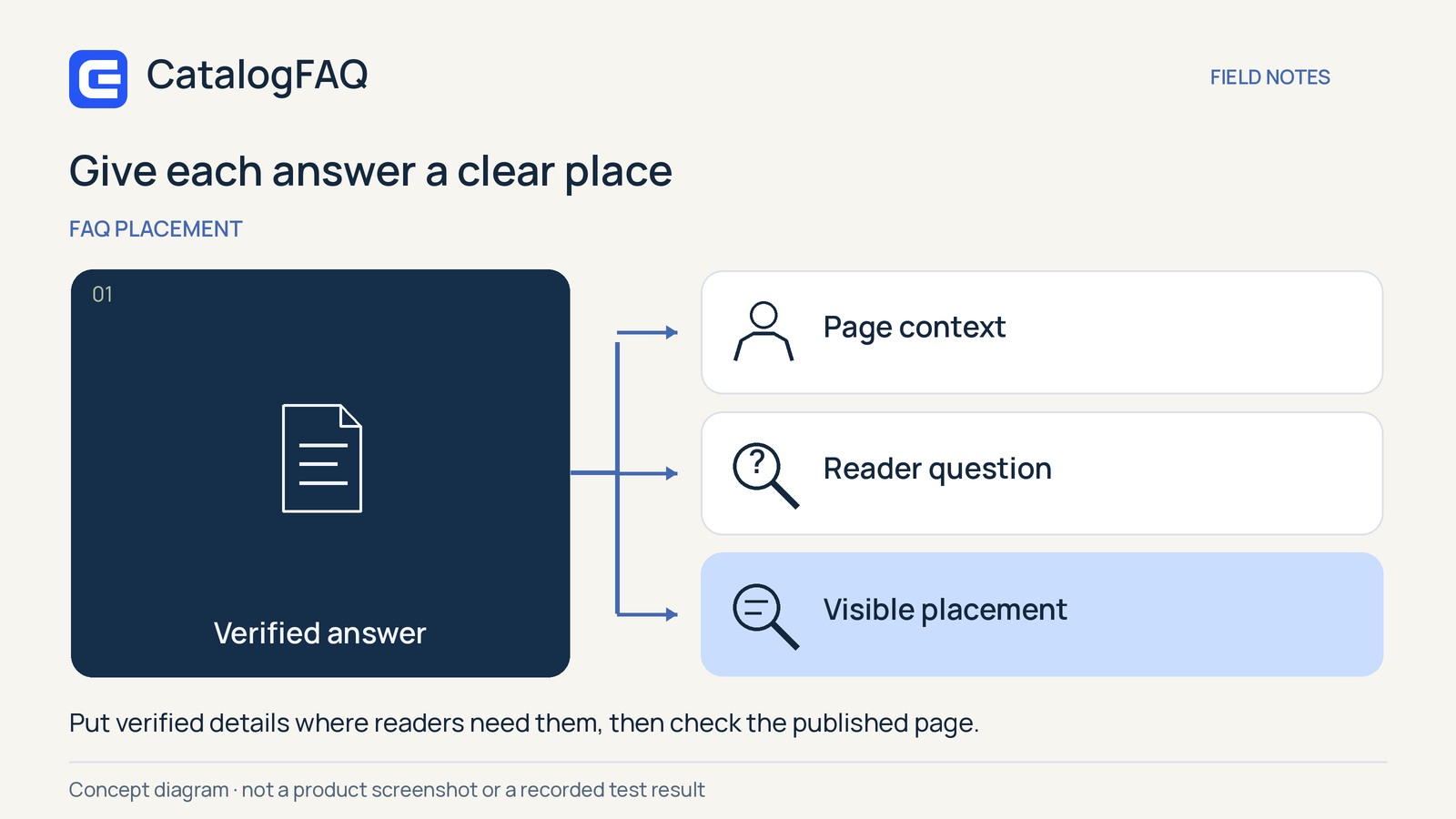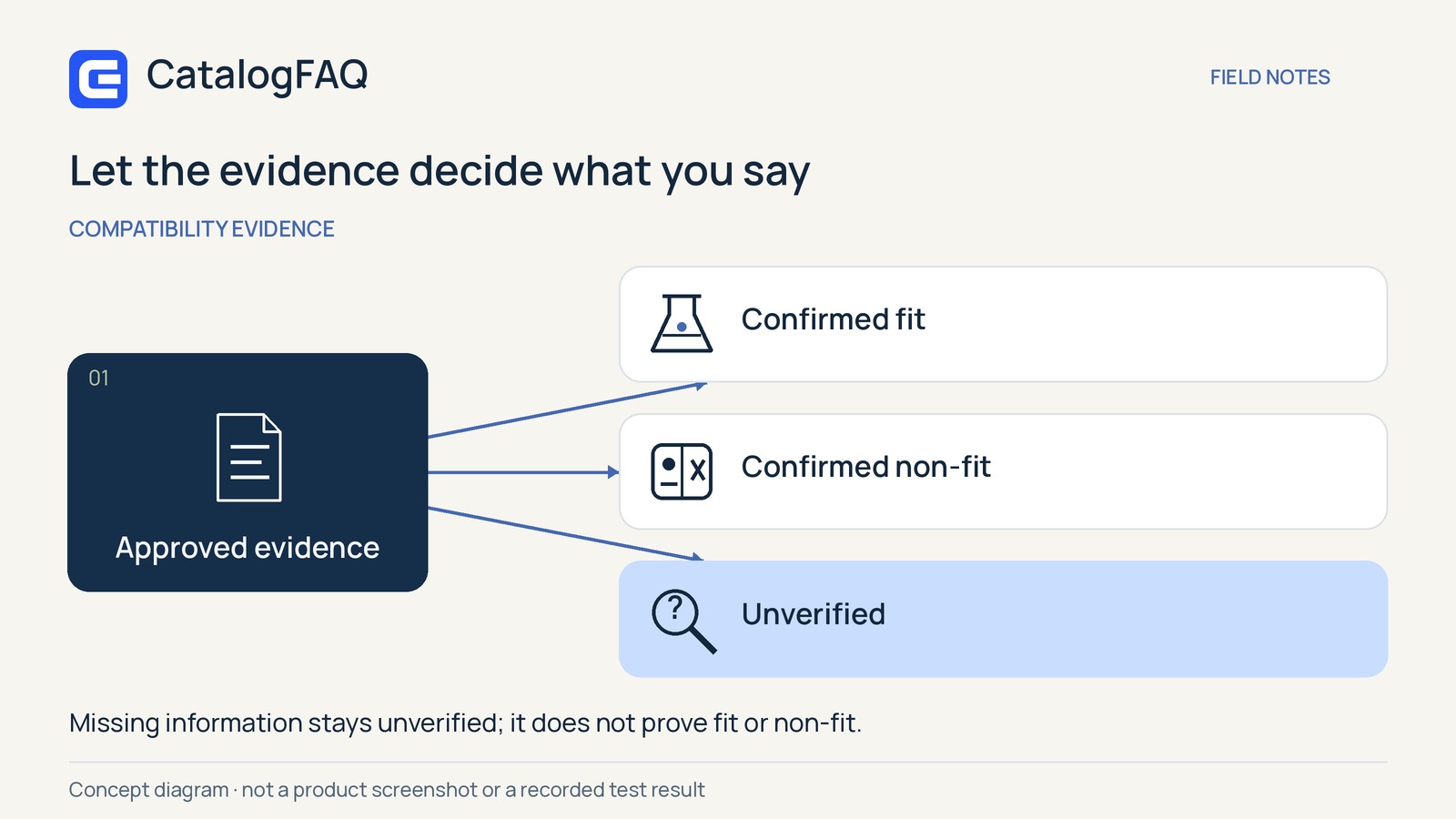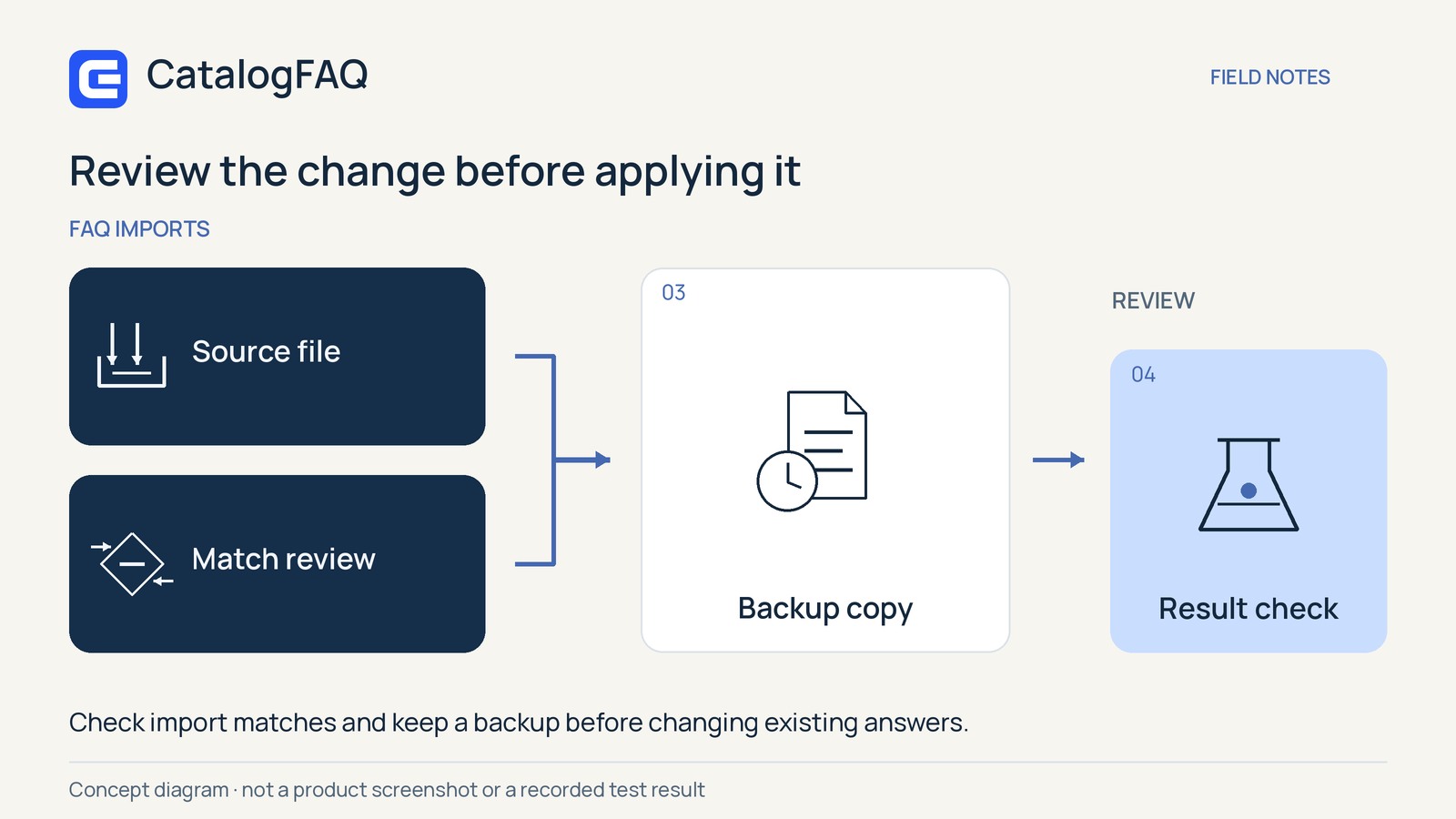
Approve FAQ-to-product relationships, not just the imported question count. For a separately built WooCommerce store, give the developer a reviewed source-to-destination mapping sheet. Test only its approved relationships on staging, a test version of the destination store.
Correct text can still land on the wrong product—or none. Product IDs are site-specific; the same number on the destination site does not prove a match.
Define the trial and its reviewers
Limit the trial to direct product assignments and already-approved answers. Find relationships in source assignment records, not just visible FAQ sections. Category/tag assignments, automated rules and full-store backup or recovery need separate review.
Name the content lead, the merchant’s product reviewer, the developer and the acceptance reviewer. Record the source and destination environments, their base URLs and the approved content snapshot date. Reopen affected approvals if wording or product records change.
Choose a small batch the team can inspect completely.
Build the relationship map
Use one row per question/group-to-product relationship: a group directly assigned to three products needs three rows. Keep this review sheet separate from the importer’s file format.
Record before applying changes
- FAQ reference: source question/group ID, label, approved copy or revision, and group membership.
- Source product: URL, ID, SKU (the store’s item code) or other merchant identifier, and distinguishing attributes.
- Destination product: confirmed URL and ID, identifiers and attributes, match evidence, and separate notes for unconfirmed candidates.
- Change plan: intended page location and whether to add the assignment or replace a specified existing one.
- Match decision: Approve or Hold, named reviewer, date, reason, and an owner for unresolved questions.
Record after applying changes
- Applied record: destination question/group references and the assignments actually changed.
- Page verification: tested URL, date, reviewer, result, evidence and any correction/retest notes.
Content approval, match approval and page verification are separate. Approved wording does not authorize every placement; an approved match is not yet a verified page.
Resolve uncertain matches before approval
Compare merchant-confirmed identifiers and distinguishing attributes, such as model or capacity. Titles are clues, not proof. Check that SKUs are present, unique within each catalogue and still identify the same item; a matching SKU alone is not sign-off.
Investigate missing, duplicate or changed SKUs instead of falling back to titles. Keep unresolved relationships on Hold, with no approved destination. If the rebuild splits or combines products, ask the merchant to confirm the target and the answer’s scope.
Hypothetical row history: All details are illustrative. URL paths are relative to the recorded source or destination environment.
- Source: group G-12, “Steel bottle care,” approved revision 3, members Q-21 and Q-22; product 410 at /product/steel-bottle-750/.
- Held state: destination candidates 906 and 907 share the title “Steel bottle” and have blank SKUs. Approved destination: unset. Status: Hold. Owner: Maya, merchant catalogue lead, to confirm manufacturer reference and capacity.
- Approved state: Maya’s saved merchant confirmation links source 410 and destination 906 to manufacturer reference SB-750 and 750 ml capacity. Destination URL path: /product/750ml-steel-bottle/; ID: 906. Reviewer: Maya; 12 March 2026. Status: Approve.
- Plan and pending work: add the group to the existing product FAQ section; replace nothing. Destination FAQ references and page verification remain Pending.
Send the developer a clear brief
Send approved rows and content, plus a separate Hold list marked Do not assign. Include the checks below as acceptance criteria before the batch is applied.
Have the developer confirm how the chosen method handles existing content and assignments. Do not assume an import adds rather than replaces. If changes cannot be restricted to the approved batch, agree another method.
Capture the current FAQs and other product details on every target and one named non-target product that must not receive these answers. Record the non-target’s URL and baseline in a separate batch-level entry; add its pass/fail result and evidence after testing.
Ask the developer to preserve a recoverable staging baseline and document how to undo the batch. Full-site protection remains separate developer or hosting work.
Verify the applied trial
After the developer returns the applied record, run these manual checks. The checklist does not inspect the store or save results; the mapping sheet is your evidence record. Signing out or using a private window does not clear hosting caches.
A clean non-target page alone is not proof that every catalogue assignment is correct. If any check fails, stop expansion: record expected versus actual behaviour, have the developer correct or restore the trial, and retest.
Accept only the checked batch
A passed trial approves only that batch, not the catalogue. If launch uses different product records, revalidate mappings before applying them. Repeat signed-out checks on the live URLs after launch.
Optional tooling: CatalogFAQ Free and Pro support reviewed JSON/CSV FAQ content import/export. Pro also supports cross-site migration with product remapping and explicit review of matches and outcomes. Product assignments require WooCommerce; your team still confirms identities and checks pages. Same-site FAQ ZIP backup/restore is neither cross-site remapping nor full-site recovery.
Before sending another batch, confirm a recorded pass for every applied trial row and the non-target check, then obtain the acceptance reviewer’s sign-off. Review and approve the next batch’s relationships separately.